How to Declutter Digital Files: A Practical Guide for UAE Residents and Businesses
Your visa renewal is due Thursday. Somewhere on your laptop is a scan of your Emirates ID, and you have a bad feeling it’s called “scan_new_FINAL_2.pdf”, right next to “scan_new_FINAL_3.pdf”, an old tenancy contract and 4,000 other files in Downloads.
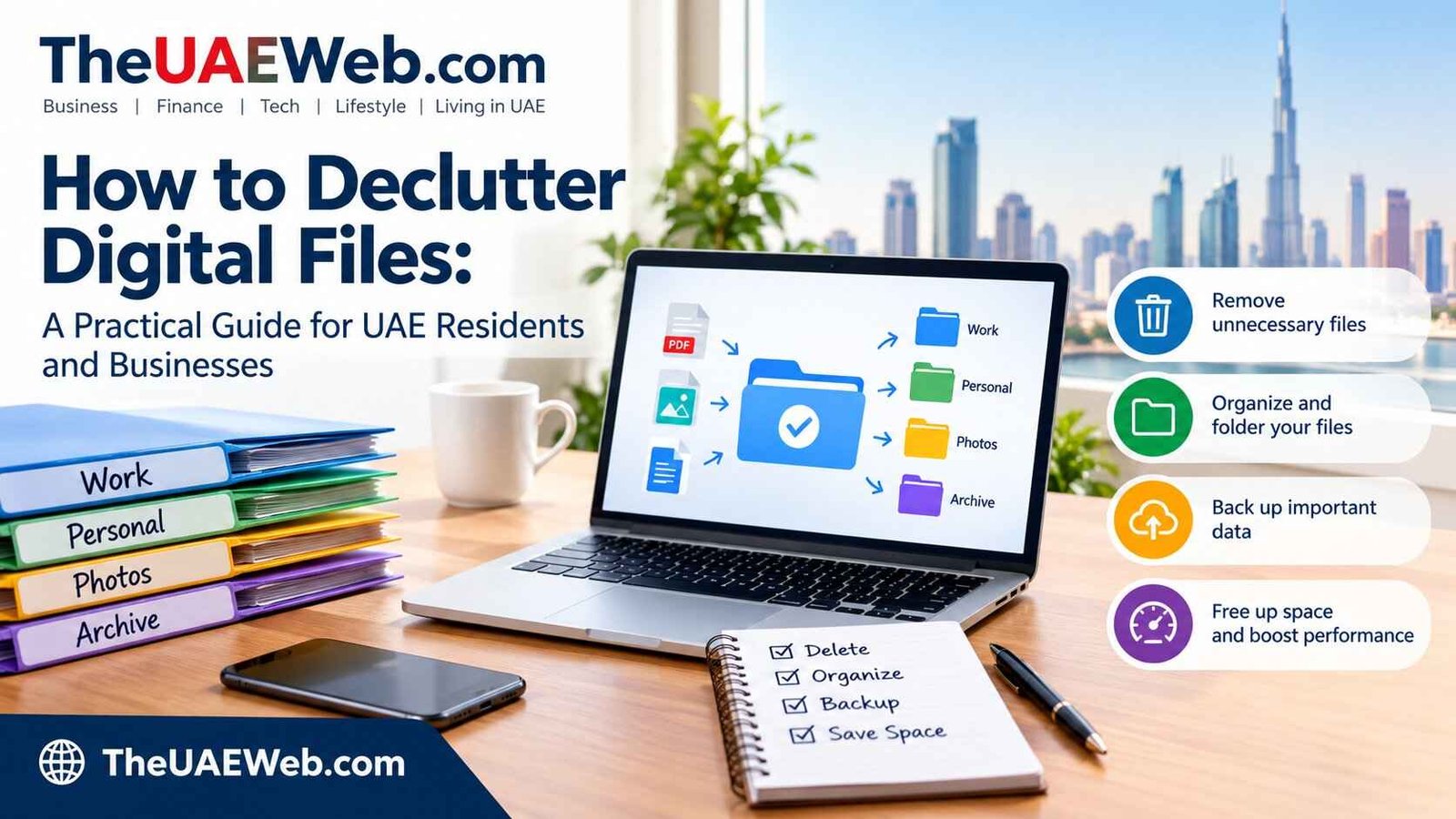
You don’t need a weekend to fix this. Back up everything first, then sort files into three piles (must keep, useful, delete), clear Downloads and Desktop, remove duplicates, move what’s left into a simple folder structure, and set a five-minute weekly habit. In the UAE, add one more rule: don’t delete records you’re required to keep, such as tax documents.
This guide gives you the order that works, UAE-specific rules, and fixes for the places where clutter really hides: Downloads, WhatsApp, your cloud, and scans of your ID.
Safety Note: The biggest risk is deleting something you must keep (tax records, contracts, visa or Emirates ID copies), or deleting your only copy. “Storage full” phishing messages are the second. theuaeweb.com is only an informational platform. Rules change; last checked 23 October 2026. Businesses should confirm retention periods with the Federal Tax Authority. For Windows cleanup, see Microsoft’s Storage Sense guide. This is general informationon on Theuaeweb.com, not legal or tax advice.
What is the fastest way to declutter digital files?
Back up, sort, delete, organise, repeat weekly. The order matters: if you organise before deleting, you spend hours building neat folders for files you didn’t need. Back up first, delete the obvious junk, then organise only what’s left.
- Back up everything.
- Decide what you legally or practically must keep.
- Clear Downloads and Desktop.
- Delete duplicates and old versions.
- Build a simple folder structure.
- Declutter photos and WhatsApp.
- Set a routine.
Step 1: How do I back up before I delete anything?
Make a second copy before touching anything, and check you can open a few files from it. Create a backup before moving, renaming or deleting a large number of files, and confirm that you can access a few sample files afterwards.
A common rule is 3-2-1: three copies, on two different types of storage, with one stored somewhere else (for example, the cloud). Cloud sync isn’t the same as a backup. Syncing and backup aren’t always the same thing, because if you delete a file in a synced folder, it can disappear everywhere.
Do this first:
- Copy your important folders to an external drive.
- Make sure your phone photos are also saved in a cloud account or on a computer.
- Open two or three files from the backup to check they work.
Step 2: What files must I keep in the UAE?
Anything the law or an authority may ask for, plus anything you can’t replace. This is the step generic guides skip.
For businesses, retention periods are set by tax law:
| Record | Minimum retention | Notes |
|---|---|---|
| VAT records | 5 years | Counted from the end of the relevant tax period |
| Corporate tax records | 7 years | The FTA says records must be kept for at least seven years after each tax period |
| Capital asset records | 10 years | Adviser source; verify |
| Real estate records | 15 years | Adviser source; verify tallysolutionsgulfnews |
Digital storage and accounting software are acceptable as long as records stay accessible, accurate and complete, and can be produced promptly on request. That means scanning and archiving is fine, but “deleted to save space” isn’t.
For individuals, I found no official fixed period for personal documents. A sensible rule is to keep current and previous copies of important documents until you’ve confirmed they’re no longer needed. Examples: tenancy contracts, salary certificates, bank statements, visa and Emirates ID copies, medical reports, school records, car papers and insurance.
When in doubt, move it to a “Keep” folder. Don’t delete it.
Step 3: How do I clear Downloads and Desktop?
Treat Downloads as an inbox, not storage. Sort useful downloads into proper folders and remove unwanted copies on a regular schedule.
- Sort the folder by date, then by size.
- Delete installers, old zips and one-off PDFs you won’t reopen.
- Move receipts, signed documents and anything official into your folders.
- Put “not sure” items into a folder called Review Later, and set a date to look at it.
- Empty the Recycle Bin or Trash.
Windows tip: Storage Sense can do part of this automatically. It’s off by default, and it won’t manage your Downloads folder or cloud content unless you tell it to. Open Settings, go to System, then Storage, and turn on Storage Sense. Choose how long files can sit unopened in Downloads before they’re deleted. Think carefully before enabling that Downloads option if you tend to leave important documents there.
Step 4: How do I find and delete duplicate files?
Delete duplicates before you organise, because it makes everything else smaller. Which? suggests a free tool called dupeGuru to scan for duplicates. Check what a tool flags before you delete.
- Compare before deleting. Two files with the same name may be different versions. Open both, or check the modified date.
- Keep the final version. If you have “contract”, “contract_final” and “contract_final_v2”, keep the signed one and archive the rest.
- Watch cloud sync. Duplicates often build up when the same folder syncs across Dropbox, Google Drive and iCloud. Pick one main home for each type of file. lifestack
Step 5: What folder structure works best?
Keep it shallow and boring. Three levels deep is plenty. A structure that works for most people in the UAE:
Documents
├── 01 Identity & Visa (Emirates ID, passport, residence visa)
├── 02 Home & Tenancy (tenancy contract, Ejari, utility bills)
├── 03 Car (Mulkiya, insurance, fines)
├── 04 Money (bank statements, salary, tax records)
├── 05 Work (contracts, certificates, projects)
├── 06 Family (school, medical, travel)
└── 99 Review Later
Naming rule: put the date first as year-month-day, then a clear description. Example: 2026-10-23 tenancy-contract-signed.pdf. Files sort in order and you can find them without opening anything.
A “Review Later” folder helps with files you’re unsure about, so you can tackle them in a scheduled session.
Step 6: How do I declutter photos and WhatsApp?
Photos and chat media are often the biggest space users on a phone, so clear them second, after documents.
WhatsApp:
- Open Settings, then Storage and data, then Manage storage.
- Review large files and items forwarded many times, delete media per chat, or clear a chat’s media.
- The Review and delete items section shows media larger than 5MB, and you can select several items to bulk-delete.
- Switch off auto-download for media you don’t need, under Storage and data.
- After deleting media from WhatsApp, it can still sit in your phone’s gallery, so delete it there too.
Before you delete a chat’s media, check it for documents you need (a signed contract, a salary slip, a medical report) and save them into your folders first.
Photos: back them up first, then delete screenshots, blurry shots and duplicates. Keep one folder structure by year and event.
Step 7: Can I use UAE PASS instead of keeping scans of my documents?
For some official documents, yes, and it reduces how many loose scans you hold. UAE PASS has a digital vault that stores documents such as your Emirates ID, residence visa copy, tenancy contract, car registration and driving licence in one place.
You can access a digital Emirates ID through the UAE PASS app, the UAEICP app or Apple Wallet. Dubai residents can add a driving licence and vehicle registration through the RTA Dubai app.
Two cautions:
- Keep your originals. Digital copies are convenient, but check with each organisation whether it accepts them for your purpose.
- Delete old scans you no longer need. Photos of your Emirates ID and passport sitting in WhatsApp chats or Downloads are a privacy risk. Once a form is submitted, delete the copy you sent.
Step 8: How do I declutter email and cloud storage?
- Search by size and delete old large attachments, after saving what you need.
- Unsubscribe from lists you never read.
- Check your cloud plans. If you pay for storage on more than one service, work out whether you need both. Check each provider’s current price in AED.
- Empty cloud trash folders. Deleted files often stay there and count toward your storage.
Beware “your storage is full, click here” messages. Open your provider’s app or website yourself instead of tapping a link.
How often should I declutter digital files?
Little and often beats one giant purge.
| Frequency | Task | Time |
|---|---|---|
| Weekly | Empty Downloads and Desktop, empty Trash | 5 minutes |
| Monthly | Clear WhatsApp large files, sort new photos | 15 minutes |
| Quarterly | Remove confirmed duplicates and archive finished projects | 1 hour |
| Yearly | Archive last year’s tax and business records, check backups | 1–2 hours publicstorage |
What should I never delete?
- Tax invoices, VAT returns, bank statements and anything supporting a business tax filing
- Signed contracts and tenancy documents while they’re active
- Current visa, Emirates ID and passport copies
- Medical and insurance records you may need for claims
- Anything you’re unsure about. Move it to Review Later.
Common mistakes and myths vs facts
| Myth | Fact |
|---|---|
| Cloud sync is a backup | Deleting a synced file can delete it everywhere |
| Desktop clutter slows my computer | It doesn’t necessarily slow it, but it makes files harder to find and duplicates easier to miss |
| Storage Sense cleans Downloads by default | It’s off by default and doesn’t manage Downloads unless you set it |
| Deleting from WhatsApp frees phone space | Media may remain in your gallery |
| Scanned records aren’t acceptable | Digital storage is fine if records stay accessible and complete |
| New folders fix clutter | Fewer, simpler folders do publicstorage |
Who should not do a big purge?
- Businesses under audit or tax review, or with an open dispute
- Anyone in a visa, legal or insurance matter that needs documents
- People on shared work drives, where files belong to the team
- Anyone without a backup
What if I deleted something by mistake?
- Stop saving new files to that device or drive, which can overwrite deleted data.
- Check the Recycle Bin or Trash.
- Check your cloud provider’s trash or version history.
- Check your backup.
- For important or business data, ask a data recovery professional, and don’t install unknown “recovery” software from the internet.
A 30-minute plan you can start today
- Back up your Documents and Photos folders (10 minutes).
- Create the folder structure above (5 minutes).
- Sort Downloads, deleting the obvious junk and filing what matters (10 minutes).
- Save a calendar reminder for next Friday: five minutes to repeat step 3 (5 minutes).
Do WhatsApp and photos in the next session.
People Also Ask: Declutter digital files FAQ
How do I declutter digital files fast?
Back up first, then clear Downloads and Desktop, delete duplicates, and move the rest into a simple folder structure. Do the biggest folders first.
What is the best folder structure for documents?
A shallow one: Identity and Visa, Home, Car, Money, Work, Family, and a Review Later folder. Name files with the date first.
How often should I declutter digital files?
Five minutes weekly for Downloads and Desktop, with a longer review quarterly. A yearly pass suits tax and business records.
Is it safe to delete my Downloads folder?
Not without checking. It often contains receipts, signed documents and installers you may need. Sort it, move what matters, then delete the rest.
How long should I keep documents in the UAE?
Businesses must keep VAT records for at least five years and corporate tax records for at least seven. I found no official fixed period for personal documents, so keep important ones until you’re sure they’re not needed.
How do I free up WhatsApp storage?
Go to Settings, Storage and data, Manage storage, review large and forwarded items, and delete media. Remove it from your gallery too.
How do I find duplicate files?
Use a duplicate finder such as dupeGuru, then compare files before deleting.
Can I use a digital Emirates ID instead of a scan?
Digital Emirates ID access is available through UAE PASS, the UAEICP app and Apple Wallet. Check with each organisation whether it accepts it.
What’s the difference between sync and backup?
Sync mirrors changes across devices, including deletions. A backup keeps a separate copy you can restore from.