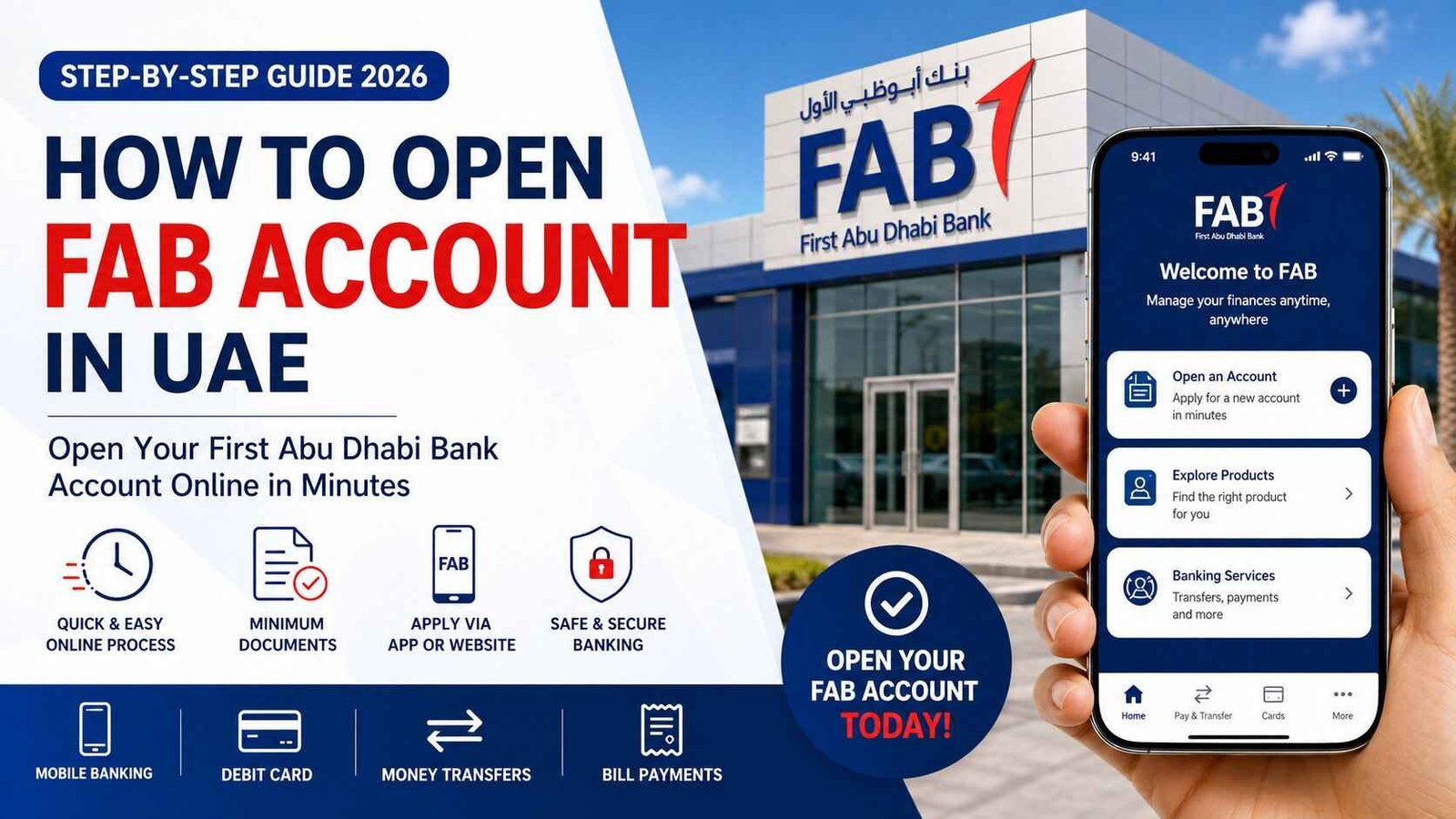
How to Open a FAB Account in UAE: Complete Step-by-Step Guide (2026)
Opening a First Abu Dhabi Bank (FAB) account is easier than ever, thanks to digital banking and a streamlined application process. Whether you’re a UAE resident looking for an everyday current account, a savings account to grow your money, or a salary account for receiving your monthly income, FAB offers a range of banking solutions to suit different financial needs.
Many people search for how to open a FAB account, wondering whether they can apply online, what documents are required, how long the approval process takes, and whether non-residents can open an account. Understanding the requirements before you apply can save time and help ensure a smooth account-opening experience.
In this comprehensive guide, you’ll learn how to open a FAB account step by step, explore the different account types available, understand the eligibility requirements, prepare the necessary documents, and discover the various ways you can apply. Whether you prefer using the FAB Mobile app, the official website, or visiting a branch, this guide from TheUAEWeb.com will help you get started.
Quick Answer
You can open a FAB account by applying through the FAB Mobile app, the official FAB website, or by visiting a FAB branch. Most applicants will need a valid Emirates ID, passport, UAE residency documents (if applicable), a valid mobile number, and supporting documents depending on the type of account they choose.
Why Choose First Abu Dhabi Bank?
First Abu Dhabi Bank (FAB) is one of the UAE’s largest financial institutions, offering a wide range of personal and business banking services. With an extensive branch network, digital banking platform, and modern mobile app, FAB provides customers with convenient ways to manage their finances.
Some of the benefits of opening a FAB account include:
- Secure online and mobile banking
- Access to a nationwide ATM and branch network
- Salary transfer facilities
- International money transfers
- Debit cards for everyday spending
- Utility bill payments
- Digital banking services available 24/7
- Customer support through multiple channels
Whether you’re opening your first bank account in the UAE or switching from another bank, FAB offers products designed for students, professionals, families, and businesses.
Types of FAB Accounts
Before starting your application, it’s important to choose the account that best matches your financial needs.
FAB Current Account
A current account is suitable for daily banking and regular transactions. It typically includes a debit card, online banking access, salary deposits, ATM withdrawals, and local transfers.
This account is ideal for employees who receive their monthly salary through a UAE bank account.
FAB Savings Account
If your goal is to save money while maintaining easy access to your funds, a FAB savings account may be the right option.
Savings accounts generally allow you to:
- Deposit and withdraw money
- Earn profit or interest where applicable
- Access online banking
- Use ATMs across the UAE
- Monitor your balance through the FAB app
FAB Salary Account
Many employers in the UAE transfer salaries directly into FAB salary accounts.
These accounts are designed for employees and often include features such as salary credit notifications, debit cards, digital banking, and access to other banking products.
FAB Student Account
Students may have access to accounts designed specifically for younger customers or those pursuing higher education. Eligibility requirements and available features may vary.
FAB Business Account
Entrepreneurs and companies can apply for business banking solutions to manage daily operations, receive payments, and conduct local and international transactions.
Business accounts require additional documentation compared to personal accounts.
Who Can Open a FAB Account?
FAB offers banking solutions to a wide range of customers, but eligibility depends on the account type.
In general, you may be eligible if you are:
- A UAE resident with a valid Emirates ID.
- An employee working in the UAE.
- Self-employed or a business owner.
- A student who meets the account requirements.
- A company or registered business applying for a business account.
Some accounts may also be available to non-residents, although the requirements and available features can differ from those offered to UAE residents.
Before applying, review the eligibility criteria for the specific account you want to open.
Documents Required to Open a FAB Account
Preparing your documents in advance can make the application process faster and reduce delays.
For most personal accounts, you’ll typically need:
| Document | Purpose |
|---|---|
| Emirates ID | Identity verification |
| Valid Passport | Proof of identity |
| UAE Residence Visa (if applicable) | Residency verification |
| Valid UAE Mobile Number | Account registration and OTP verification |
| Email Address | Digital communication and account notifications |
| Salary Certificate or Proof of Income (for selected accounts) | Eligibility assessment |
Depending on the account type, FAB may request additional documents to verify your identity, employment, or source of income.
For business accounts, applicants generally need company registration documents, trade licenses, shareholder information, and other business-related paperwork.
Things to Consider Before Opening a FAB Account
Before choosing an account, think about how you’ll use it.
Ask yourself:
- Will this be your primary salary account?
- Do you need frequent international transfers?
- Will you maintain the required minimum balance?
- Do you want access to digital banking only, or do you also prefer branch services?
- Are you looking for a savings account or an everyday transaction account?
Selecting the right account from the beginning can help you avoid unnecessary fees and ensure the account matches your financial needs.
How to Open a FAB Account Online
FAB offers a convenient online account opening process, allowing eligible customers to apply without visiting a branch. Applying online can save time, and in many cases, you’ll only need your identification documents and a smartphone or computer with an internet connection.
The exact steps may vary depending on the type of account you’re opening, but the process is generally straightforward.
Step 1: Visit the Official FAB Website
Start by visiting the official First Abu Dhabi Bank website and navigate to the Personal Banking section.
Browse the available accounts and choose the one that best suits your financial needs.
Take a few minutes to compare the features, eligibility requirements, minimum balance requirements, and any applicable fees before proceeding.
Step 2: Select Your Preferred Account
FAB offers several account options, including:
- Current Account
- Savings Account
- Salary Account
- Youth or Student Accounts (where available)
- Business Accounts
Select the account that matches your requirements.
Step 3: Complete the Online Application
Fill in the online application form with accurate information.
You’ll usually be asked to provide:
- Full name
- Mobile number
- Email address
- Emirates ID details
- Passport information
- Employment details
- Residential address
Always double-check your information before submitting the application.
Step 4: Upload the Required Documents
Depending on the account you choose, you’ll be asked to upload supporting documents.
These may include:
- Emirates ID
- Passport
- UAE residence visa
- Salary certificate (if required)
- Proof of address (where applicable)
Ensure your document scans or photos are clear and readable to avoid delays.
Step 5: Identity Verification
To comply with UAE banking regulations, FAB may ask you to complete identity verification.
This may involve:
- OTP verification
- Facial recognition
- Selfie verification
- Emirates ID verification
The verification method depends on the account type and the latest regulatory requirements.
Step 6: Submit Your Application
Once you’ve reviewed all your information, submit the application.
You’ll normally receive an application reference number or confirmation message for future tracking.
How to Open a FAB Account Using the FAB Mobile App
Many customers prefer using the FAB Mobile app because the entire application process can often be completed from a smartphone.
The app provides a user-friendly interface and allows you to apply from almost anywhere in the UAE.
Download the FAB Mobile App
Download the official FAB Mobile app from:
- Google Play Store (Android)
- Apple App Store (iPhone)
Always install the official application published by First Abu Dhabi Bank.
Register Your Mobile Number
After opening the app, register using your UAE mobile number.
You’ll receive a One-Time Password (OTP) to verify your number.
Choose “Open an Account”
Follow the on-screen instructions and select the account you wish to open.
The app will guide you through each stage of the application.
Upload Your Documents
Use your phone’s camera to scan the required documents.
Ensure the images are:
- Clear
- Well-lit
- Complete
- Easy to read
Poor-quality images may delay approval.
Complete Digital Verification
Depending on your application, the app may ask you to complete biometric verification.
This process helps confirm your identity and improves account security.
Wait for Approval
Once your application has been submitted successfully, FAB will review your details.
If additional information is required, the bank will contact you using your registered mobile number or email address.
How to Open a FAB Account at a Branch
If you prefer face-to-face assistance, you can visit any FAB branch to open your account.
A customer service representative will guide you through the process and explain the available account options.
Before Visiting a Branch
Carry all required original documents, including:
- Emirates ID
- Passport
- Residence visa (if applicable)
- Salary certificate or proof of income (where required)
Having all your documents ready can help reduce waiting time.
Meet a Banking Representative
A representative will:
- Explain available account options.
- Verify your documents.
- Help complete the application.
- Answer any questions about account features.
- Inform you of applicable fees and minimum balance requirements.
Verification and Submission
Your documents will be verified before the application is submitted for processing.
In some cases, additional documents may be requested depending on the account type.
What Happens After You Submit Your Application?
After submitting your application, FAB reviews the information provided and verifies your documents.
The approval timeline varies depending on:
- The type of account.
- Whether all required documents were submitted.
- Successful identity verification.
- Regulatory compliance checks.
If your application is approved, you’ll receive confirmation through your registered contact details.
Depending on the account type, you may then receive:
- Your account number.
- IBAN.
- Debit card delivery details.
- Online banking activation instructions.
- FAB Mobile app access.
Your debit card and welcome package may be delivered separately, depending on the service selected.
How to Activate Your FAB Debit Card
Once you receive your debit card, you’ll need to activate it before using it.
Activation methods may include:
- FAB Mobile app
- FAB Online Banking
- Selected FAB ATMs
- Customer support
After activation, you can:
- Withdraw cash.
- Make purchases.
- Shop online.
- Pay utility bills.
- Access ATM services.
Using the official FAB Mobile app is generally the easiest way to manage your debit card and monitor transactions.
FAB Account Fees and Minimum Balance
Before opening any bank account, it’s important to understand the applicable fees and minimum balance requirements. These can vary depending on the account type you choose and may change over time.
FAB offers different personal banking products, each with its own eligibility criteria, features, and pricing. Always review the latest schedule of fees before completing your application.
The table below provides a general overview.
| Feature | Information |
|---|---|
| Account Opening | Usually free for eligible applicants |
| Debit Card | Included with most personal accounts |
| Online Banking | Available for eligible accounts |
| Mobile Banking | Available through the FAB Mobile app |
| Minimum Balance | Varies by account type |
| Salary Transfer Requirement | Depends on the selected account |
| ATM Withdrawals | Free at FAB ATMs; other ATM fees may apply |
| International Transactions | Currency conversion and network charges may apply |
Some premium or specialized accounts may have additional requirements or benefits. Always check the official account details before applying.
Benefits of Opening a FAB Account
Opening a FAB account provides access to a wide range of banking services designed to make everyday financial management easier.
Some of the key benefits include:
Easy Salary Management
If your employer transfers your salary to FAB, you’ll receive your monthly salary directly into your account, making it easy to manage your finances without delays.
Secure Digital Banking
FAB customers can access their accounts anytime using online banking and the FAB Mobile app.
You can:
- Check your balance
- Transfer money
- View transaction history
- Pay bills
- Manage debit cards
- Download account statements
Wide ATM and Branch Network
FAB has an extensive network of ATMs and branches across the UAE, making it convenient to withdraw cash or receive in-person banking assistance.
International Money Transfers
Customers can send money locally and internationally using available transfer services, subject to account eligibility and applicable charges.
Debit Card for Everyday Spending
Most personal accounts include a debit card that can be used for:
- ATM withdrawals
- Retail shopping
- Online purchases
- Contactless payments
- International transactions where accepted
Tips for a Successful FAB Account Application
Following these tips can help improve the chances of a smooth application process.
- Ensure all personal information is accurate.
- Keep your Emirates ID and passport valid.
- Upload clear copies of your documents.
- Use your own UAE mobile number and email address.
- Complete identity verification promptly.
- Choose the account type that best suits your financial needs.
- Review the account’s terms, conditions, and fee schedule before submitting your application.
Providing complete and accurate information helps avoid unnecessary delays.
Common Reasons an Application May Be Delayed
Although many applications are processed smoothly, delays can occur for several reasons.
Some common causes include:
- Incomplete application forms.
- Expired Emirates ID or passport.
- Unclear or missing supporting documents.
- Additional verification requirements.
- Regulatory compliance checks.
- Incorrect contact information.
If FAB requires more information, respond promptly to help speed up the review process.
Frequently Asked Questions
Can I open a FAB account online?
Yes. Eligible customers can apply through the official FAB website or the FAB Mobile app. Some account types may require additional verification or a branch visit.
Can I open a FAB account without visiting a branch?
Many personal accounts can be opened digitally through the FAB Mobile app or online application process. However, certain applicants or account types may still require in-person verification.
How long does it take to open a FAB account?
Processing times vary depending on the account type and whether all required documents are submitted correctly. Applications may be approved quickly, while others may take longer if additional verification is needed.
Can non-residents open a FAB account?
FAB offers banking solutions for different customer categories. Eligibility for non-residents depends on the account type and current banking policies.
Do I need a salary certificate?
Some accounts require proof of employment or income, while others may not. The documents requested depend on the type of account you’re applying for.
Will I receive a debit card?
Yes. Most eligible personal accounts include a FAB debit card that can be used for ATM withdrawals, shopping, and online payments.
Can I use the FAB Mobile app after opening my account?
Yes. Once your account is activated, you can log in to the FAB Mobile app to manage your banking, check balances, transfer money, pay bills, and monitor transactions.
Is there a minimum salary required to open a FAB account?
Minimum salary requirements vary depending on the account type. Some accounts may have salary transfer requirements, while others are available without them.
Related Guides
If you’re looking for more UAE banking information, you may also find these guides helpful:
- PayPlus Card: Complete Guide to Balance Check, Online Access & Al Ansari vs FAB PayPlus
- FAB PayPlus (Payit Plus): Complete Guide to Balance Check, Features & Account Management
These guides explain salary accounts, digital banking solutions, and account management options available in the UAE.
Conclusion
Opening a FAB account is a straightforward process that gives you access to one of the UAE’s leading banking networks. Whether you choose to apply through the FAB Mobile app, the official website, or by visiting a branch, preparing the required documents and selecting the right account type can make the application process much smoother.
Before applying, compare the available account options, understand the eligibility requirements, and review any applicable fees or minimum balance conditions. Once your account is active, you’ll be able to enjoy convenient digital banking, secure payments, money transfers, and access to FAB’s extensive ATM and branch network.
For more practical banking guides, financial tips, and step-by-step UAE service tutorials, continue exploring TheUAEWeb.com, where we publish accurate and reader-friendly content to help residents make informed financial decisions.
Safety Note: TheUAEWeb.com is an independent informational website and is not affiliated with First Abu Dhabi Bank (FAB) or any UAE government authority. Never share your online banking password, debit card PIN, CVV, One-Time Password (OTP), or account credentials with anyone. Always use the official FAB website, FAB Mobile app, authorized branches, and customer support channels to apply for and manage your bank account securely.